Your website. A live BIM project view.
Embed a dynamic project view in a website or platform using an iframe. Add an interactive BIM experience without building a complete viewer application.
If your product already holds the project records, the documents and the tasks, the missing piece is usually the model itself — and building a BIM viewer from scratch is a long detour.
An iframe places a project view from a deployed application inside your website. The xeoVision framework supplies application foundations, with xeokit SDK handling model visualization. The host website and the application remain separate: agree the permitted embedding origins, authentication and project access for your audience.
When you outgrow the embed — when the viewer needs to be part of your product rather than a frame inside it — use the framework’s application foundations and the underlying xeokit SDK API and plugins to tailor interactions. Compare that scope on the BIM product-integration page, and keep project visibility and source-file access as separate decisions.
How it works
- 01 Prepare the project view and its access settings.
- 02 Place the iframe in your website or platform.
- 03 Let visitors explore the dynamic view in context.
How do you embed a BIM viewer in a website?
With an iframe that places a project view from a deployed application inside your page. The host website and the application stay separate, so the permitted embedding origins, authentication and project access are agreed as part of the deployment.
Is the embedded view interactive?
Yes. It is a live project view supplied by the deployed application, with xeokit SDK handling model visualization, rather than a screenshot. Visitors navigate the model and inspect its objects without leaving your page.
What if an iframe is not enough?
When the viewer needs to be part of your product rather than a frame inside it, use the framework application foundations together with the xeokit SDK API and plugins to tailor the interactions. That is a larger scope than an embed.
See it running in this page.
Load a sample project from the working xeoVision application inside this page. The model view is supplied by the application; the surrounding content belongs to this website.
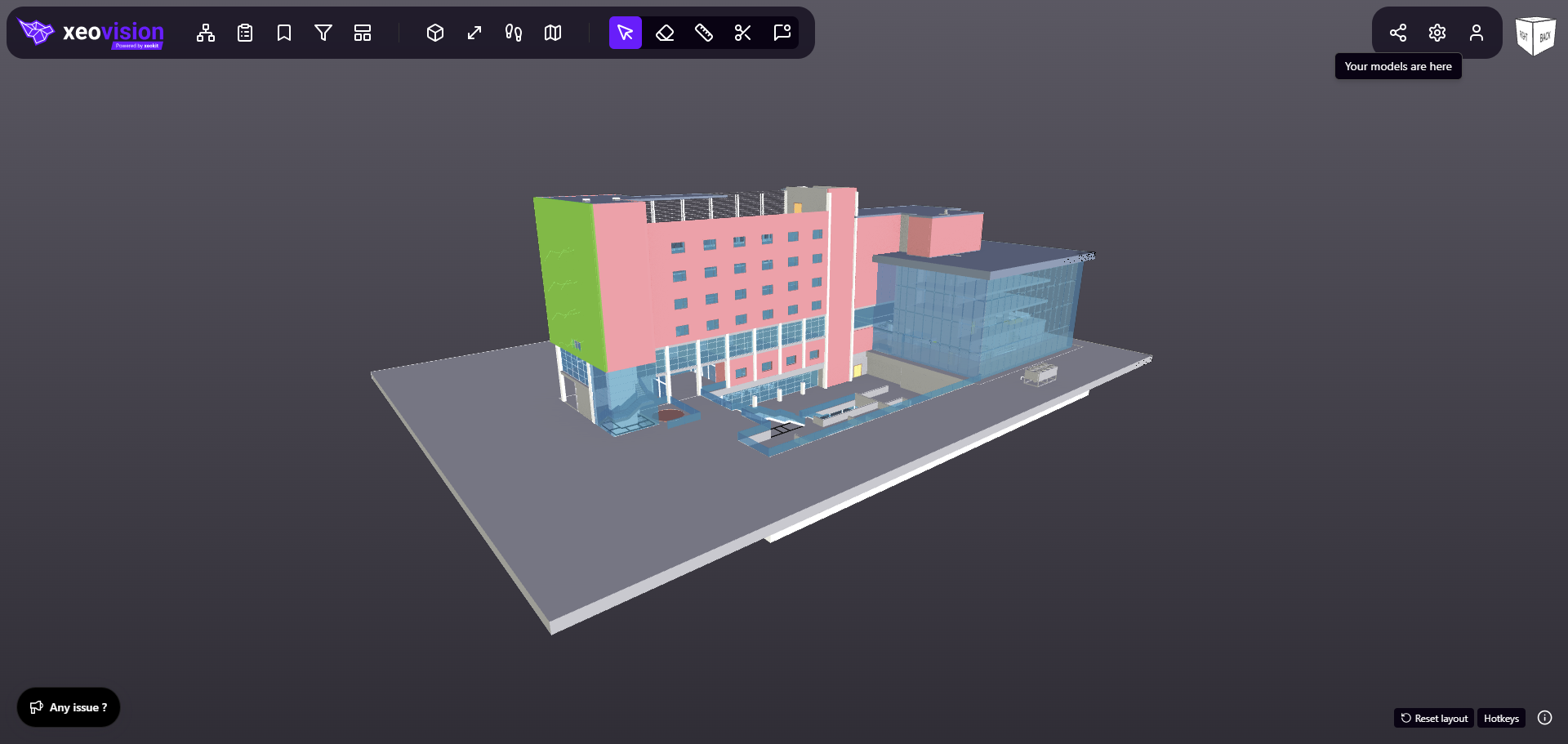
Loads on request, so the page stays fast. Drag to orbit once it opens.
