A head start for the solution you need to build.
Start from a working foundation and shape it around your users, your workflows and your business objectives.
Every one of these starts from the same place: a browser-based viewer that already handles federated models, engineering formats and their object data. What differs is the business you build around it — and that part stays yours.
BIM & VDC for critical assets.
Your data. Your environment.
Assess proposed works, align project teams and prepare for long-term asset ownership. Connect BIM and VDC workflows for airports, power stations, defense and military assets, and data centers — with sensitive project information under your control.
Explore BIM & VDC for critical infrastructure- Your BIM & VDC workflowsBring models, disciplines and delivery teams into a shared project context.
- Your deployment boundaryBring storage and processing into your own infrastructure.
- Our advice & integrationDefine the components, connections and access requirements together.
-
Your own CDE
Build a common data environment with the xeoVision framework.
Contractors, engineering firms and asset owners running multi-party projects -
Your own digital twin
Use the xeoVision framework as the visual and data foundation for a digital twin.
Asset owners, facility operators and infrastructure authorities -
BIM inside your platform
Bring BIM into the product your customers already use.
Software companies and platform vendors serving the AEC industry -
Business integrations
Connect model context to the records your business uses.
Asset owners and contractors with established ERP and business systems -
Public sector
Make infrastructure projects easier to understand through browser-based BIM views.
Public authorities, civic bodies and infrastructure agencies
Move quickly. Keep room to grow.
Three steps from an evaluation to a solution you own.
-
01
Choose your foundation
Define your viewer, CDE or digital twin case, and the formats your users bring.
-
02
Deploy & connect
Bring the application, the processing and the data into your environment, then connect your systems.
-
03
Brand & evolve
Tailor the experience and keep developing. The SDK is open source, and the xeoVision application source is available as an add-on to a xeokit SDK licence.
Make it your own.
Fully branded, fully customized: the same proven viewer functions in your layout, your palette and your identity. Two illustrative concepts:
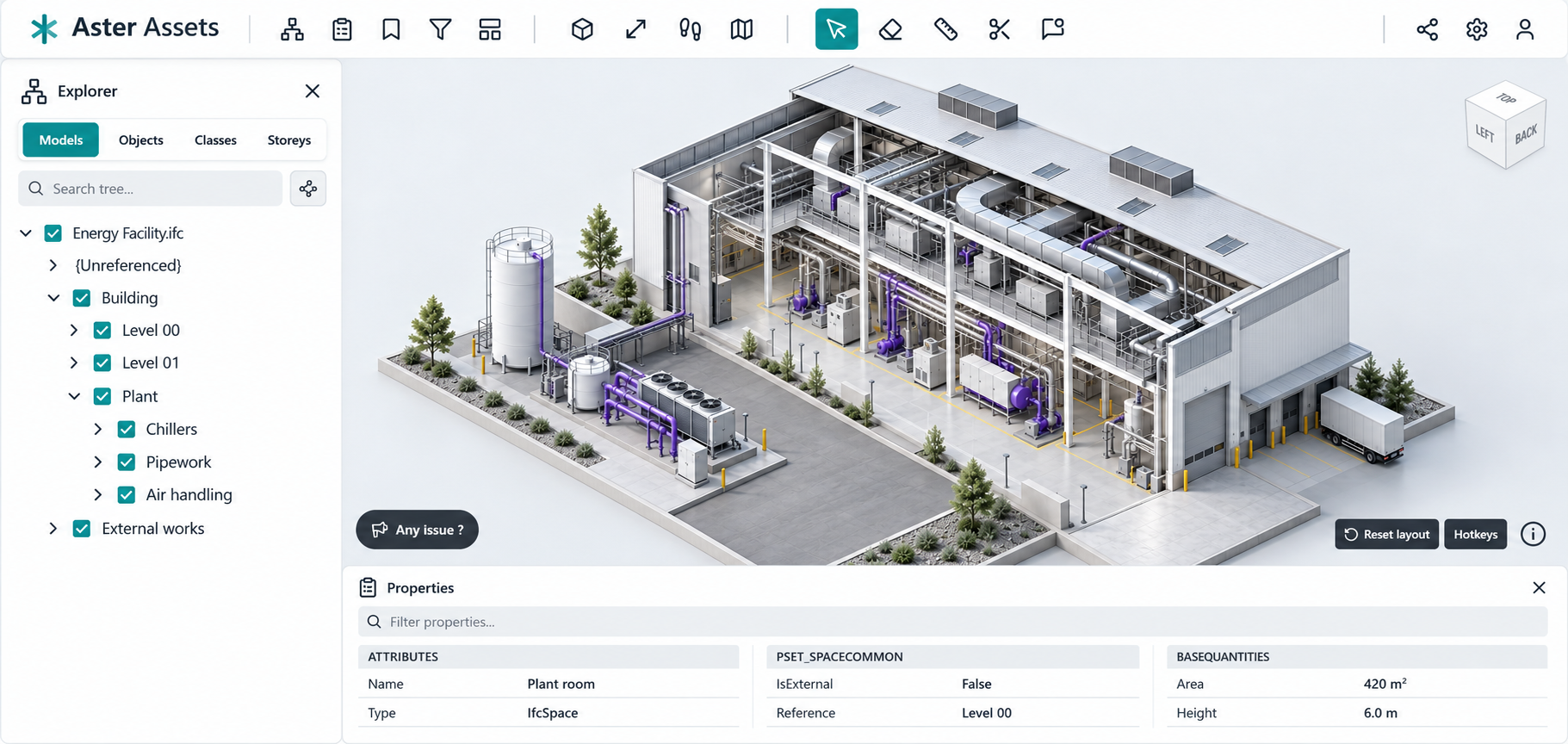
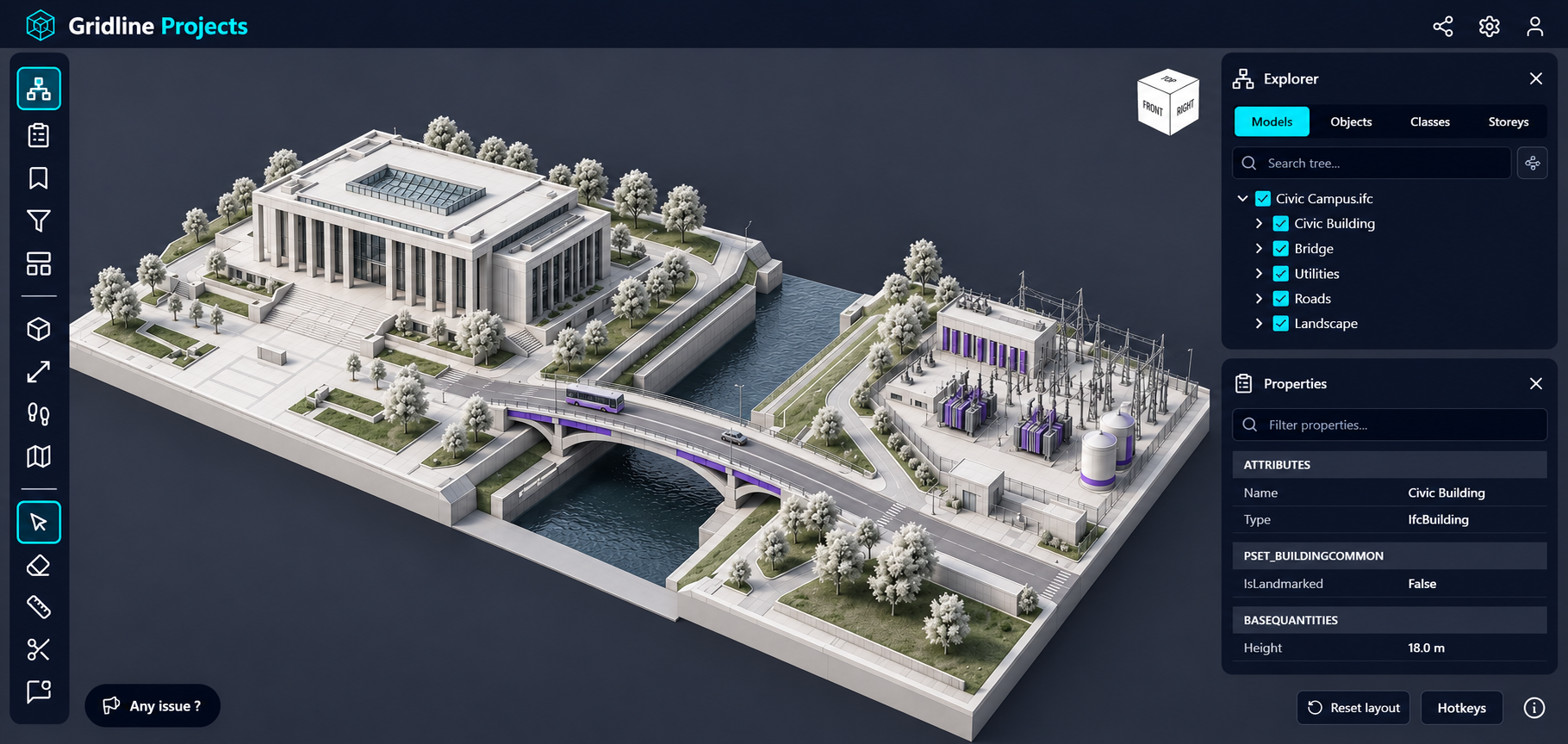
Both are illustrative concepts created for this page, not released applications or customer projects.
