More than a model on screen.
Explore the workflows you can start using today — and bring into your own solution.
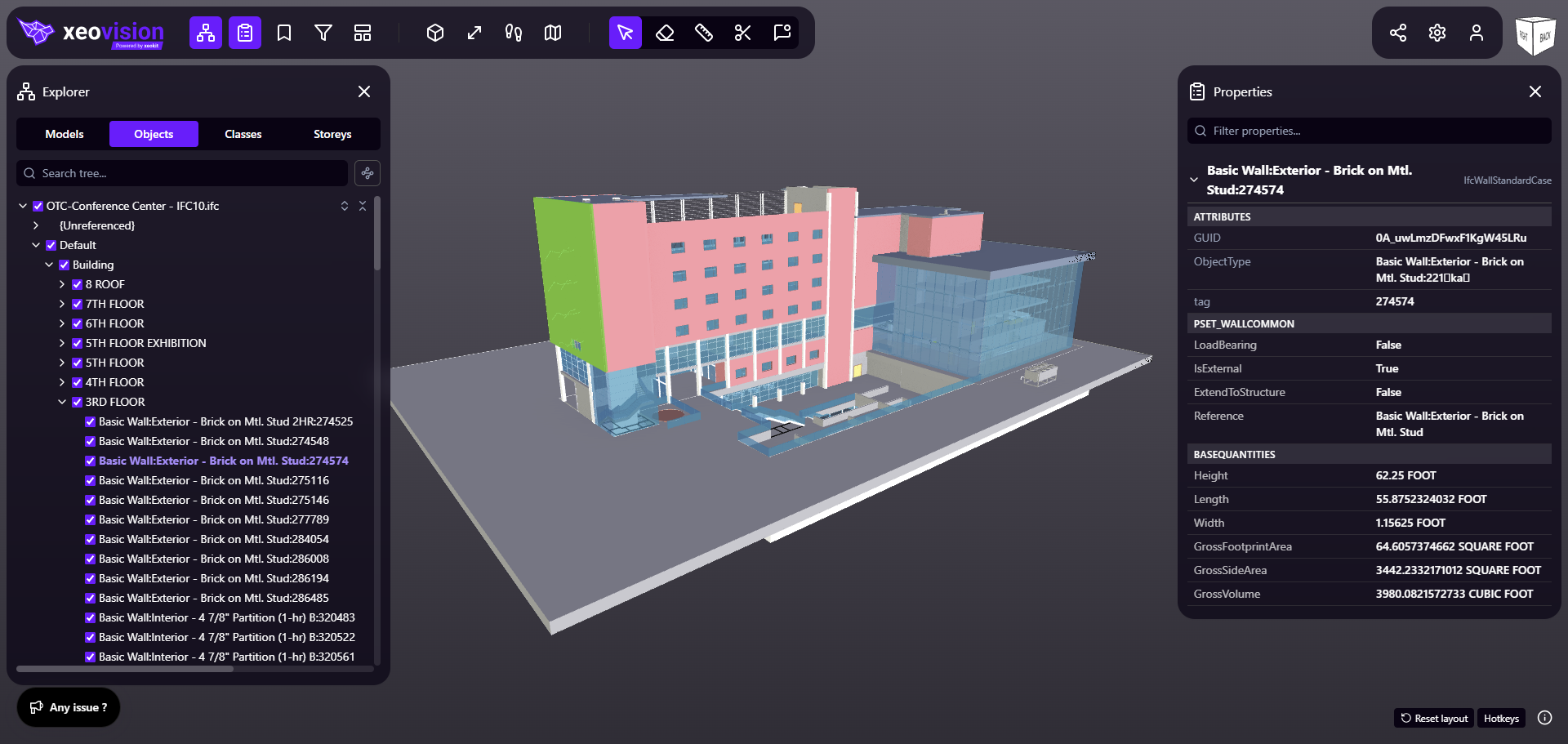
xeoVision brings federated models, their object data and the people reviewing them into one place in the browser. These seven workflows are available in the application today, and each one is built on the same xeokit SDK and xeokit Data Engine you would use in your own solution.
-
Bring the whole project into one view.
Load multiple models into a shared project view. Review the relationship between disciplines and keep the wider project in context.
Multiple models → -
Find the objects that matter.
Filter and group model objects by the information available in your project. Turn a complex BIM model into a focused view for the question at hand.
Filter & group → -
Take your BIM data beyond the viewer.
Extract project data for reporting and further processing. Use that information in Power BI, an AI agent or your own business-data workflow.
Extract project data → -
Give your AI agent project context.
Connect BIM project information with an AI agent of your choice. Let it work with your model data to support questions, summaries and project workflows.
Connect an AI agent → -
Share the project. Choose what goes with it.
Give clients and project stakeholders access to the BIM project while controlling whether they can also reach the original IFC or Revit files.
Share with control → -
Keep the views your project needs.
Create, organize and return to useful project views. Give your team a consistent starting point for recurring reviews and communication.
Manage project views → -
Your website. A live BIM project view.
Embed a dynamic project view in a website or platform using an iframe. Add an interactive BIM experience without building a complete viewer application.
Embed with an iframe →
Open data is what makes the AI workflows possible.
An agent is only as useful as the data it can reach. The xeokit Data Engine writes open outputs and the xeokit SDK is open source, so your data leaves on your terms — with no closed pipeline and no vendor standing between you and your own project information.
-
Readable by design
Properties and metadata as JSON, geometry as GLB and XKT. Formats your own systems can consume.
-
Your choice of agent
Connect the model your organization has approved, rather than one bundled into the tool.
-
Your boundary
Define the scope that leaves the project, and where extraction and inference are allowed to run.
